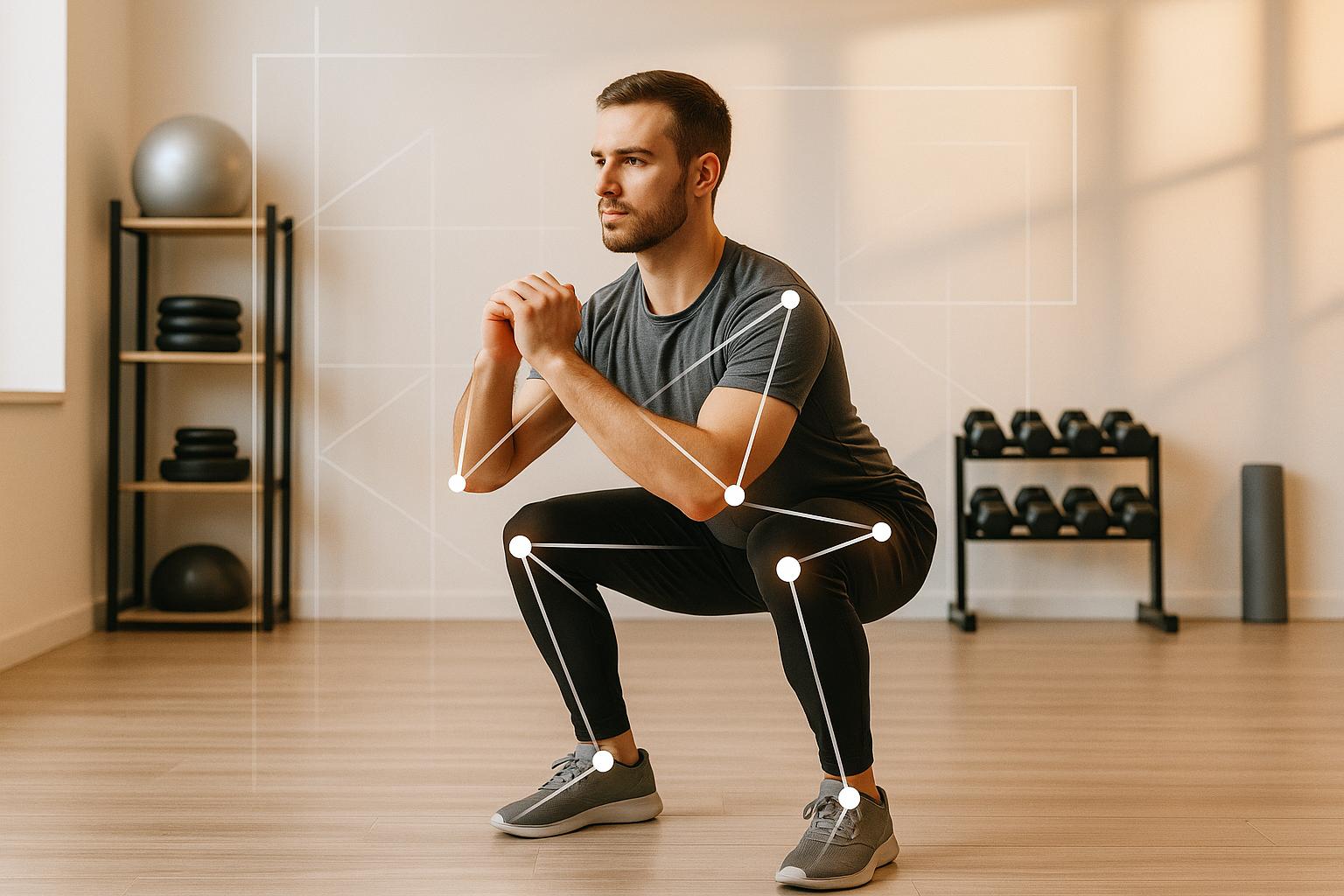
5 best apps for analyzing squat form
When it comes to improving your squat form, technology can now act as your personal trainer. These five apps use AI and motion tracking to analyze your technique, flagging issues like knee alignment, squat depth, and back posture. Whether you're lifting at home or in a gym, these tools provide instant feedback to help you avoid injuries and maximize your performance.
- CueForm AI: Real-time feedback and personalized cues for $10/month or free with limited features.
- FormCheck AI: Tracks 33 body landmarks and offers detailed analysis with safety alerts.
- SquatScreen: Professional-grade clinical reports for physical therapists; iOS only.
- OnForm: Combines AI feedback with coach interaction for remote training.
- EliteForm: High-speed camera system for advanced metrics like power output; ideal for gyms.
These apps cater to different needs, from beginners to professionals. Choose based on your goals, budget, and workout setup.
How AI Squat Form Analysis Works
AI squat analysis apps rely on computer vision to break down video footage, analyzing your movements frame by frame. These apps use advanced deep learning models like YOLO (You Only Look Once) to pinpoint key body landmarks - such as your hips, knees, ankles, shoulders, and elbows. By mapping these points, the app creates a digital skeleton that tracks your form throughout each squat repetition. This digital framework enables precise, detailed movement analysis.
Once the keypoints are mapped, the app monitors them closely to measure joint angles, assess squat depth, and evaluate spine alignment. Some apps even analyze over 50 biomechanical metrics to identify common issues like knees caving inward or a rounded back during squats [5].
Getting started is simple. All you need is your smartphone, good lighting, and ideally a tripod to keep the camera stable. Position your phone at waist height or place it on the ground about 6–8 feet away to ensure your entire body is visible [2][8]. Most apps require an internet connection to process the AI analysis in real time or to upload your video for detailed feedback [7][8]. With a clear view of your movements, the app provides real-time, actionable insights to enhance your form.
This technology can make a real difference in your training. For instance, one powerlifter added 40 pounds to her personal record after the app flagged critical form issues through joint angle analysis [5].
Whether you're lifting at home or in a gym, AI-powered squat analysis on your smartphone offers instant feedback to help you improve your technique and stay safe.
1. CueForm AI
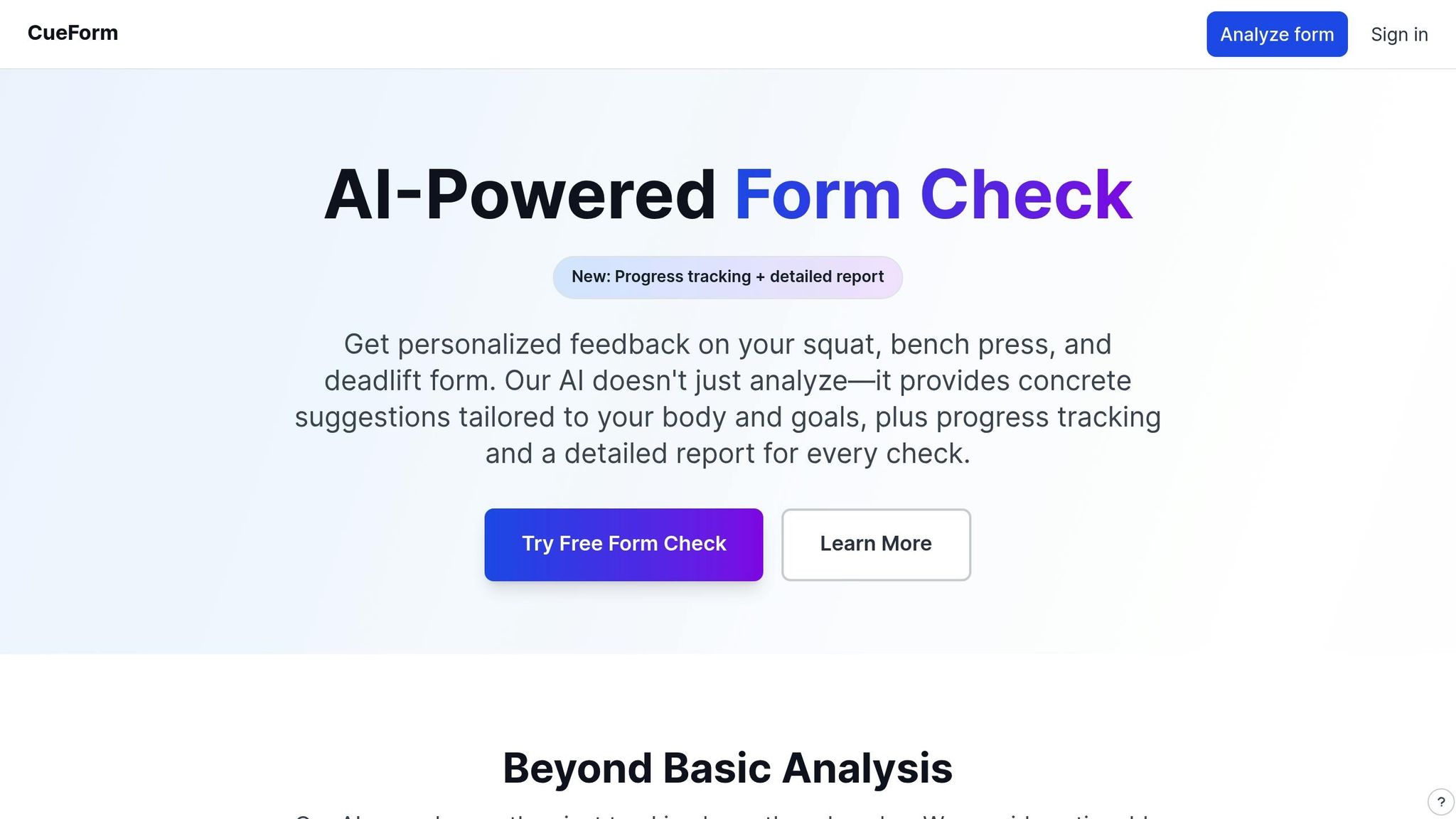
CueForm AI zeroes in on the essentials of strength training: squats, bench presses, and deadlifts. Using computer vision and real-time pose estimation, it tracks key body points and compares them against biomechanical standards. This allows the app to detect even the smallest form issues that might slip past unnoticed during your workout.
Squat-Specific Analysis Features
The app isn’t one-size-fits-all when it comes to squats. Whether it’s back squats or front squats, CueForm AI adjusts its analysis to suit the specific movement. It examines your body positioning frame by frame, flagging issues like hip shifts, knee alignment problems, or inconsistent depth. Instead of vague advice, the feedback is precise and actionable, showing you exactly what needs improvement.
Type of Feedback
CueForm AI acts as your personal virtual coach by providing real-time feedback. You can either upload pre-recorded videos or record new ones directly in the app. After every set, you’ll receive detailed cues focusing on areas that need attention. Plus, the app includes an AI coach you can chat with to ask follow-up questions or get tailored tips based on your performance.
Pricing and Availability in USD
CueForm AI offers a free plan with limited analysis so you can try it out first. For those looking for unlimited feedback, the premium plan is available at $10 per month.
Next, we’ll take a look at another app with a different approach to analyzing squat form.
2. FormCheck AI
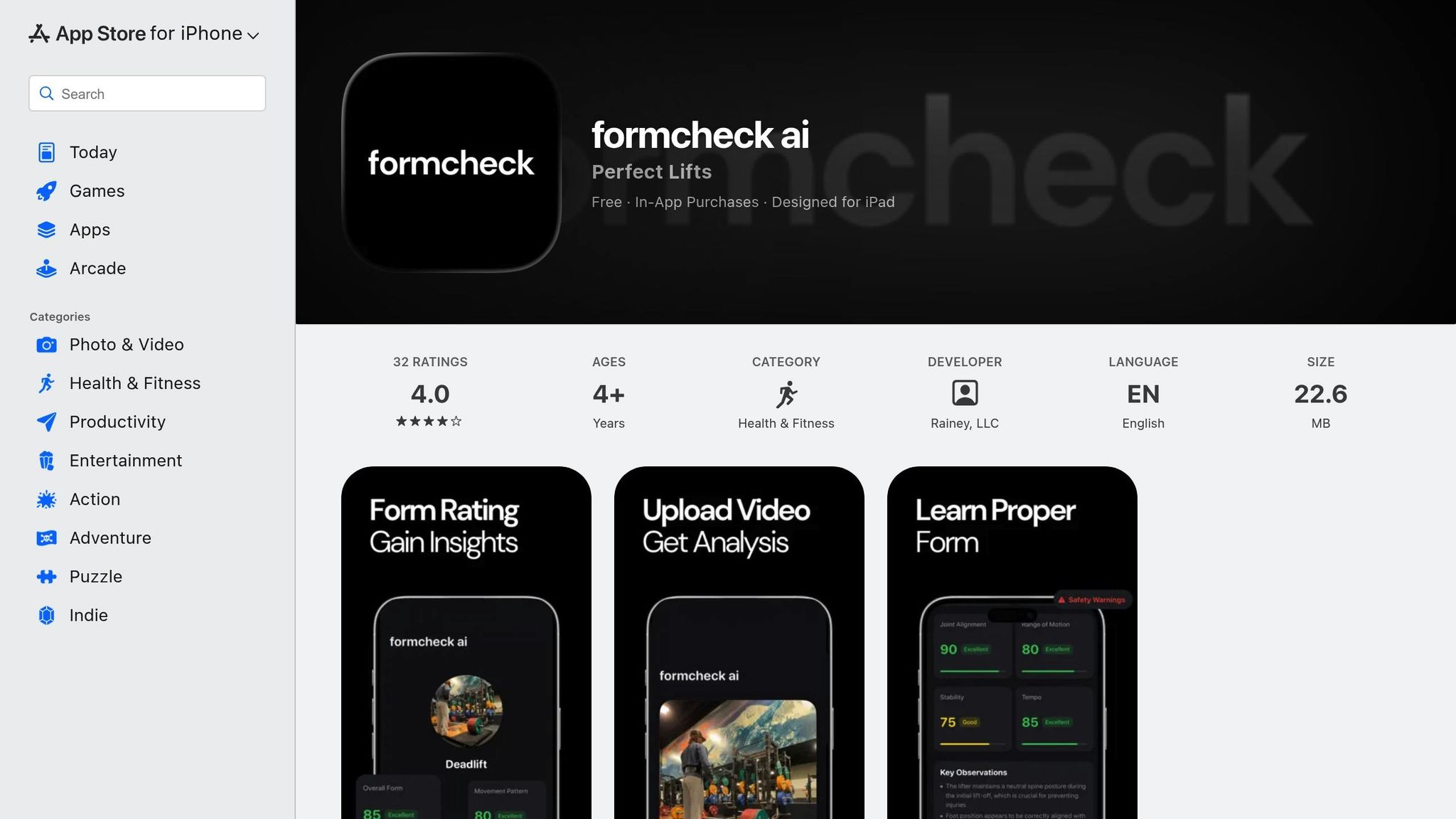
FormCheck AI uses advanced motion tracking to monitor 33 body landmarks, analyzing joint angles, movement patterns, and weight distribution. It compares your movements against expert benchmarks to identify subtle issues that could slow your progress or increase the risk of injury[1][9].
Squat-Specific Analysis Features
This app zeroes in on squat technique, flagging common mistakes and offering solutions to address potential muscle imbalances. It includes a scoring system to objectively evaluate your form quality[3]. Features like goal setting and rep pace alarms are designed to help you stay consistent and improve over time.
Type of Feedback
FormCheck AI delivers real-time video feedback to help you stick to your desired tempo[4]. After each set, it provides a detailed analysis of your technique, including safety alerts and actionable tips for improvement[3]. With a library of over 30 exercises, the app offers guidance on a variety of movements, from pullups and pushups to lunges[4]. However, the app's performance is influenced by how well your device is set up.
Device Compatibility
The app relies on your device's camera for motion tracking. To achieve the best results, ensure proper lighting and position the camera to capture your full range of motion.
3. SquatScreen within PostureScreen
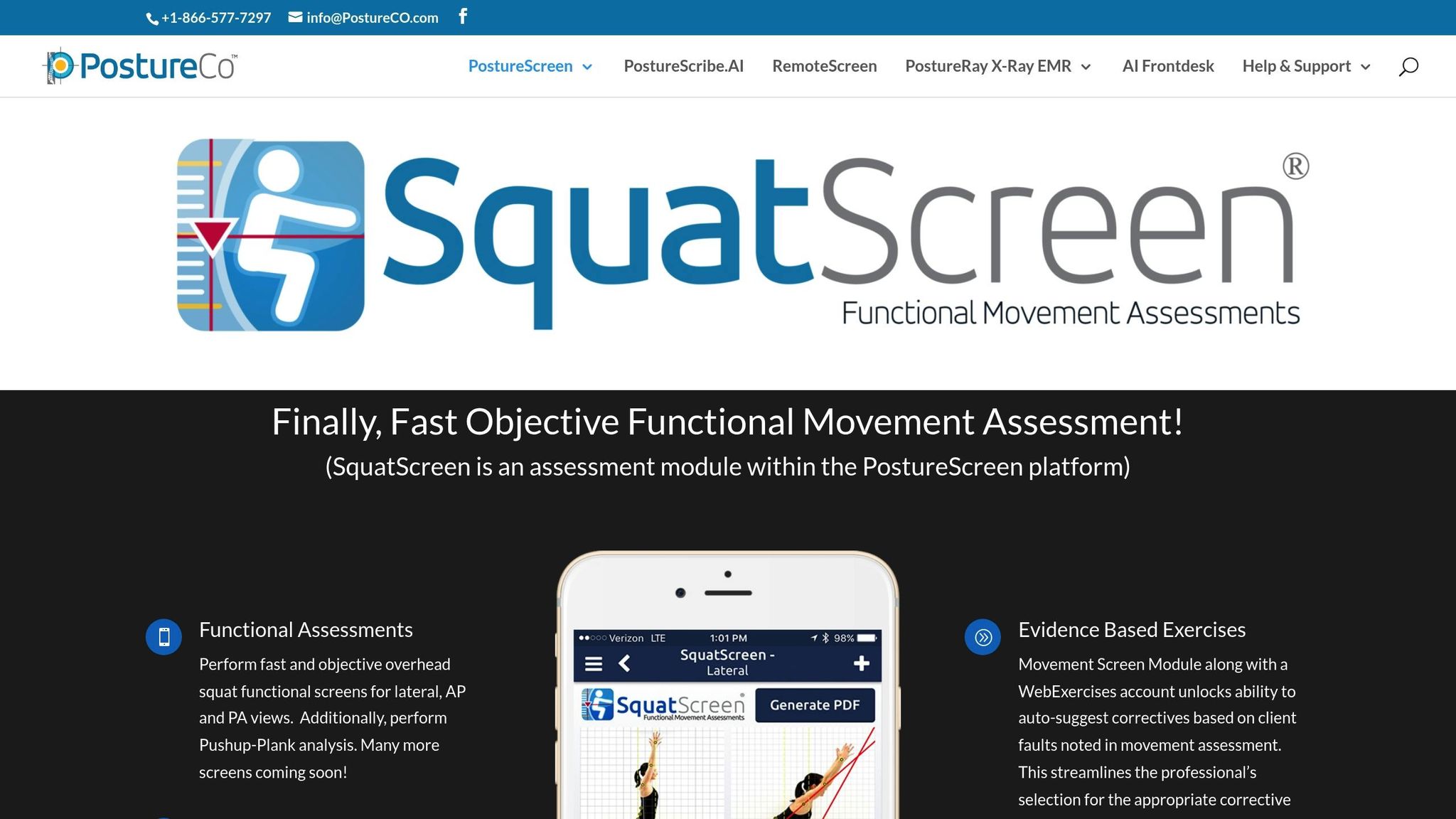
SquatScreen stands out in the world of AI-powered squat analysis by offering a professional-grade tool tailored for healthcare providers. Unlike consumer-focused apps, it delivers detailed assessments specifically designed for clinical use.
Squat-Specific Analysis Features
This tool evaluates squat mechanics through a structured recording and analysis process. By visually analyzing movements, it identifies compensations and imbalances that could point to mobility challenges or potential injury risks.
Type of Feedback
Instead of providing real-time coaching, SquatScreen focuses on post-set analysis. After each squat assessment, it generates side-by-side video comparisons and detailed PDF reports. These reports are particularly helpful for tracking progress and are compatible with EHR systems. This makes it an excellent choice for physical therapists, chiropractors, and strength coaches who need to document progress and share findings with other professionals.
Device Compatibility
SquatScreen is designed exclusively for Apple devices. It requires iOS/iPadOS 17 or later and is compatible with devices featuring an A12 chip or newer. The Augmented Reality Assisted Assessments feature is available with an Unlimited Assessment Subscription. Unfortunately, the app is not available for Android users.
sbb-itb-c91a623
4. OnForm

OnForm blends video analysis with coach messaging, making it a solid choice for remote training. It pairs AI-powered technique recommendations with direct communication between coaches and athletes, creating a well-rounded feedback system.
Squat-Specific Analysis Features
With OnForm, you can record your squat sessions and receive AI-generated tips to refine your technique. The app’s video comparison tool allows you to place recordings side by side, helping you track progress or spot areas that need improvement over time. This feature makes post-set reviews more insightful and actionable.
Type of Feedback
After capturing your squats, OnForm delivers automated feedback on your technique. However, the standout feature is the interaction between coach and athlete. Coaches can leave comments directly on the video, offering detailed guidance on what to adjust. As Iker Zubizarreta from Vitruve explains:
"Onform combines video analysis, artificial intelligence, and internal messaging between coach and athlete. Record exercises, receive automatic technique suggestions, and comment directly on the video. A great app for coaches managing remote athletes." [6]
This makes OnForm a valuable tool for anyone working with a remote coach or trainer. It ensures your form can be reviewed and corrected without the need for in-person sessions, all through the convenience of your mobile device.
Device Compatibility
OnForm is designed for mobile devices equipped with cameras, allowing you to record exercises directly for coach review.
5. EliteForm
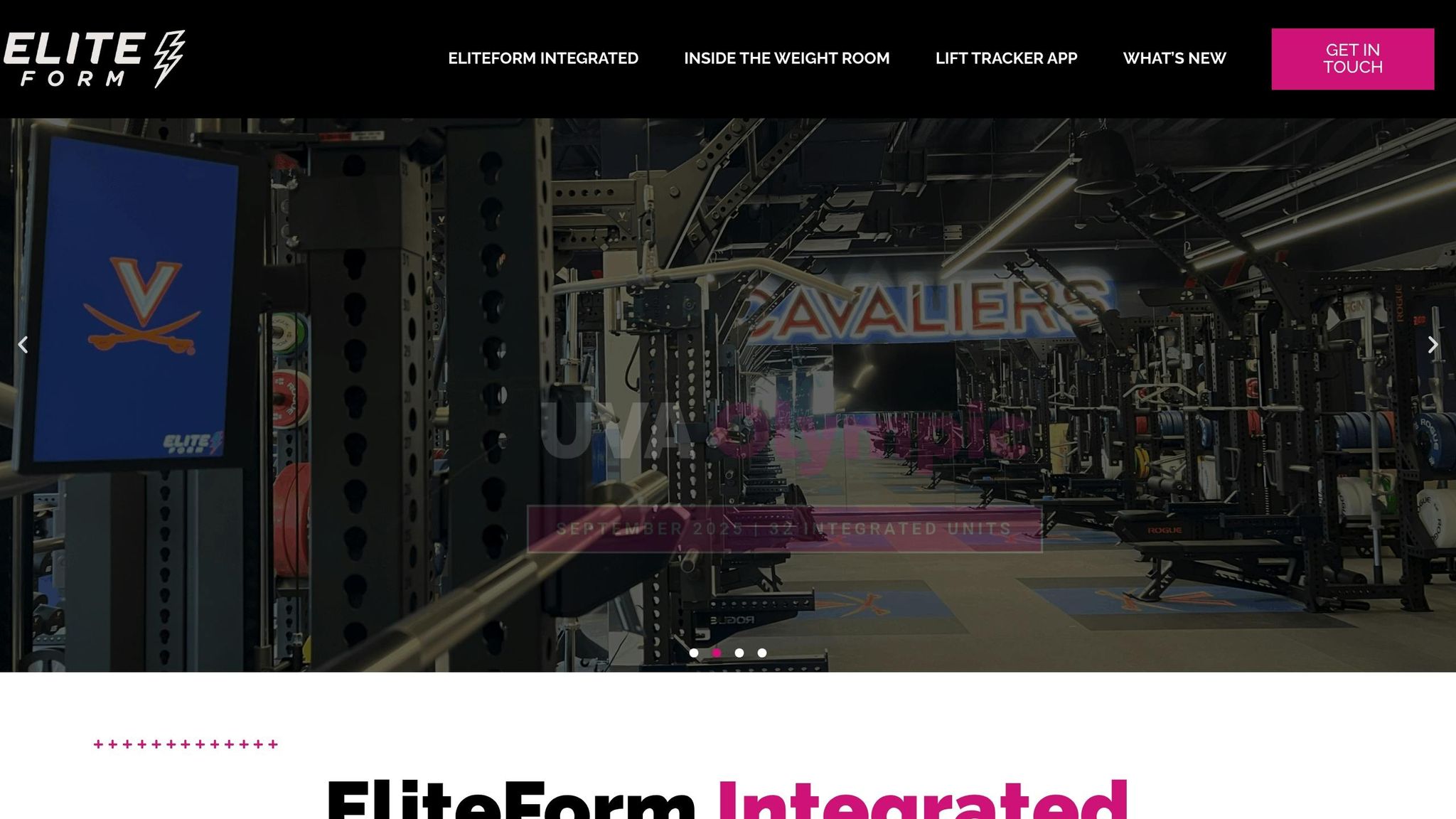
EliteForm utilizes high-speed cameras mounted on training racks to provide detailed squat analysis, making it a valuable tool for strength and performance coaches [6].
Squat-Specific Analysis Features
This system measures key performance metrics like power output, mean velocity, and acceleration for every squat rep. By doing so, it offers insight into speed, power, and overall technique [6].
Type of Feedback
One of EliteForm's standout features is its ability to deliver real-time weightlifting metrics during squats. This allows lifters and coaches to make immediate adjustments to improve technique on the spot [2].
Device Compatibility
To use EliteForm, high-speed cameras must be installed on training racks, making it ideal for gym facilities or dedicated home setups. The app is available for download on the Apple App Store in the United States [2].
Comparison Table

Comparison of 5 Best Squat Form Analysis Apps: Features, Pricing, and Device Requirements
Here's a quick breakdown of the standout features for each app. This summary highlights the key capabilities of each platform, as mentioned earlier.
| App | Key Squat Analysis Features | Feedback Delivery | Device Requirements | Pricing (USD) |
|---|---|---|---|---|
| CueForm AI | Real-time AI-powered analysis paired with personalized video feedback. | Instant AI coach feedback. | Smartphone or tablet with a camera. | $10/month (premium); free plan available. |
| FormCheck AI | Tracks 33 body landmarks, identifies common errors, and includes a scoring system with rep pace alarms. | Real-time video feedback plus detailed post-set analysis and safety alerts. | Smartphone or tablet with a camera; requires proper lighting and full-body visibility. | Not available. |
| SquatScreen within PostureScreen | Professional-grade side-by-side video analysis with detailed PDF reports. | Post-set analysis with EHR-compatible clinical documentation. | iOS/iPadOS 17 or newer; A12 chip or better. | Not available. |
| OnForm | AI-assisted tracking with video comparison tools and automatic technique suggestions. | Tools for coach–athlete communication with video annotations. | Smartphone or tablet with a camera. | Not available. |
| EliteForm | Measures power output, mean velocity, and acceleration to assess speed, power, and technique. | Real-time velocity-based training metrics. | High-speed cameras installed on training racks. | Not available. |
CueForm AI stands out as a user-friendly option for individual lifters looking for on-the-go squat analysis. OnForm offers a strong suite of video analysis tools combined with coach–athlete communication, ideal for remote training. EliteForm, on the other hand, caters to professional strength coaches, using high-speed camera systems to deliver advanced velocity-based training metrics.
Conclusion
Each tool brings something distinct to the table, making it easier to find the one that suits your specific training goals.
Think about your workout environment, your fitness objectives, and how much you're willing to spend. If you're working out at home, CueForm AI offers real-time feedback straight from your smartphone - no extra equipment required. Its free trial is a great option for budget-conscious users, while those craving in-depth analytics might lean toward more specialized tools.
For professionals who need precise, clinical-level data, SquatScreen within PostureScreen provides detailed reporting. If remote coaching is your focus, OnForm shines with its annotated feedback capabilities. Meanwhile, EliteForm caters to competitive athletes with its advanced performance metrics.
Both CueForm AI and FormCheck AI are ideal for home gyms, provided you have good lighting and clear visibility of your movements. Other tools are better suited for more advanced or professional setups.
Choose the tool that aligns with your training style and goals to make your workouts smarter and safer.
FAQs
How does AI help improve squat form?
AI technology is changing the game when it comes to analyzing squat form. With tools like motion tracking, pose estimation, and joint angle measurement, it offers real-time feedback that helps you fine-tune your technique on the spot. This not only lowers the chance of injuries but also boosts your overall performance.
By breaking down your movements with incredible precision, AI provides insights customized to your body's mechanics. This means you can perfect your squat form, build strength more efficiently, and see greater progress in your fitness goals.
What devices do I need to use squat analysis apps?
Most squat analysis apps are designed to run on smartphones or tablets with iOS 16.0 or later or Android devices with up-to-date operating systems. Generally, you won’t need any additional gear, but your device does need a working camera for motion tracking and analysis.
While some apps might be exclusive to certain devices, like iPhones or iPads, others work across both iOS and Android platforms. To get the best results, ensure your device meets the app's technical requirements.
Can these apps help improve squat technique and prevent injuries?
These apps are designed to lower the chance of injuries by analyzing your squat form as you perform it. They offer real-time feedback on key factors like posture, squat depth, knee alignment, and overall movement patterns, helping you make quick corrections.
With personalized insights to refine your technique, these tools enable you to build strength more safely while reducing unnecessary stress on your joints and muscles.
Related Blog Posts
Plans
Choose the plan that best fits your needs.
Free
Try it out
Starter
Perfect for fitness enthusiasts