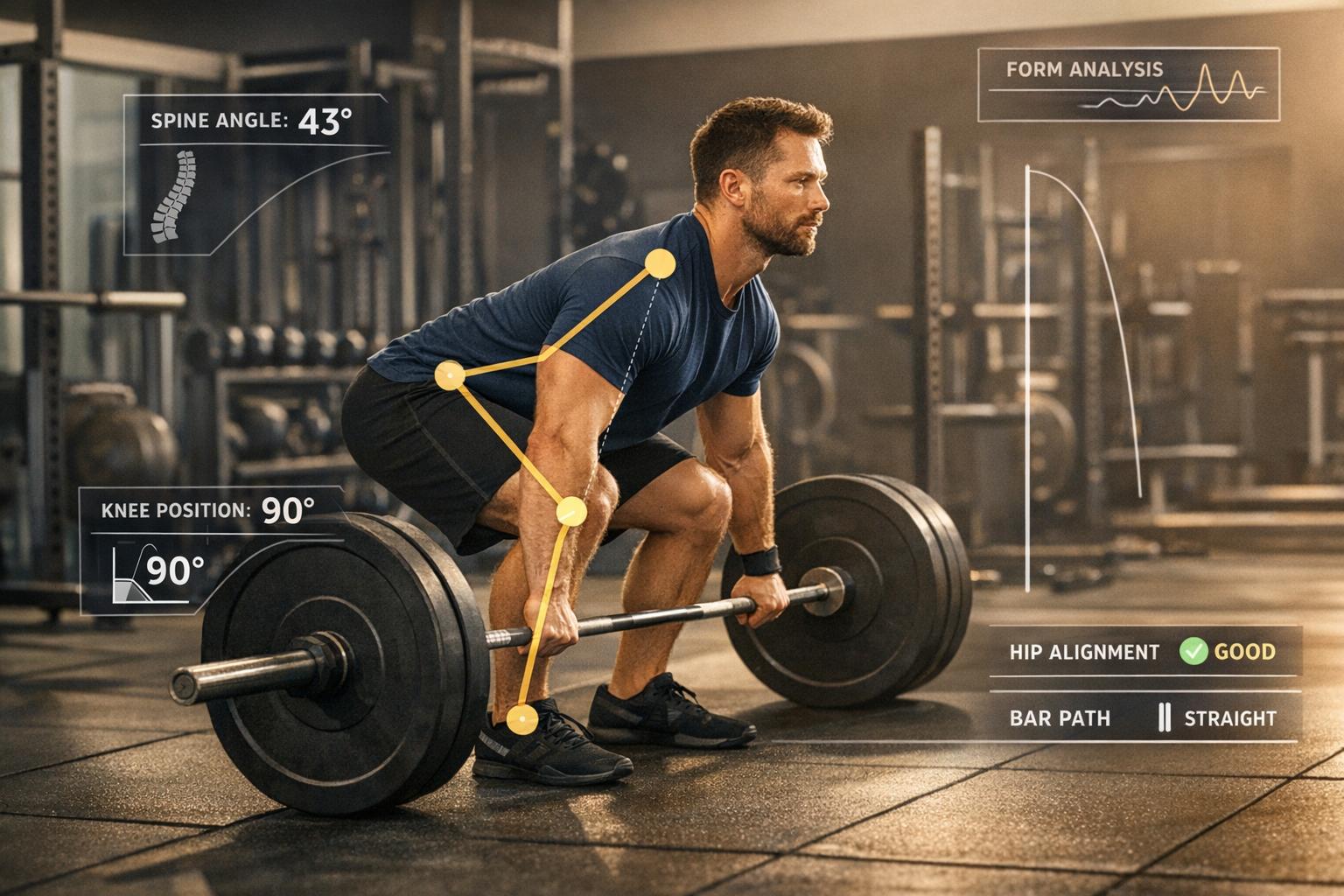
5 best apps for analyzing deadlift form
Looking to improve your deadlift form? These five tools offer different kinds of support: feedback on an uploaded video, manual review or a personalized training plan. Choose based on the question you want answered about your next session.
- CueForm: Coaching feedback after uploading a recorded deadlift set. First form check free, then single checks or a monthly plan.
- FormCheck AI: Original U.S. App Store listing unavailable when checked September 14, 2026; current features and price unverified.
- OnForm: Manual slow-motion review, drawing tools and coach voiceovers.
- JuggernautAI: Powerlifting and powerbuilding plans that adapt to training feedback; $34.99/month with a two-week trial.
- Fitbod: Adaptive workout planning based on your goals, equipment and logged training. Check the current subscription offer.
These apps cater to different needs, from reviewing a single set to planning training over time. A programming recommendation is different from analysis of your recorded technique.
Quick Comparison
| App Name | Method | Key Features | Price | Best For |
|---|---|---|---|---|
| CueForm AI | AI Pose Tracking | Feedback after upload, coach replies | First form check free; $10 per check, or 12 checks a month for $20/month or $180/year | Beginners refining form |
| FormCheck AI | Features unverified | Original U.S. listing unavailable | Current price unverified | Verify availability first |
| OnForm | Manual Video Analysis | Frame-by-frame review, annotations | Varies | Coaches, detailed reviewers |
| JuggernautAI | AI Training Programs | Fatigue-based adjustments | $34.99 per month | Competitive powerlifters |
| Fitbod | AI Workout Planning | Recovery-based adjustments | Check current subscription offer | Intermediate lifters |
Use the comparison to distinguish technique feedback from programming support.
How To Analyze Your Lifts With Free Tracker Software | Powerlifting Tips
1. CueForm AI
CueForm focuses on recorded squat, bench press and deadlift sets. For the deadlift, choose the barbell deadlift and follow its filming guidance. The analysis addresses visible details of your set. It doesn’t tell sumo from conventional pulls, so mention your stance in the notes if you pull sumo.
Upload a recorded set through your browser and allow a few minutes for analysis. CueForm examines movement such as back position, bar drift and lockout, then connects its findings to evidence from the video.
A form check includes up to 10 coach replies, so you can ask about a specific issue, such as a rounded lower back off the floor or a slow lockout, and get guidance based on your set.
A form check gives you the most useful thing to work on and how to apply it, every finding with video evidence, and a written report with a cue to practice. Your first form check is free. After that, a form check costs $10, or a plan with 12 checks a month costs $20 a month or $180 a year. See current pricing.
Start a deadlift form check with a clear side view showing your feet, plates and full body.
2. FormCheck AI
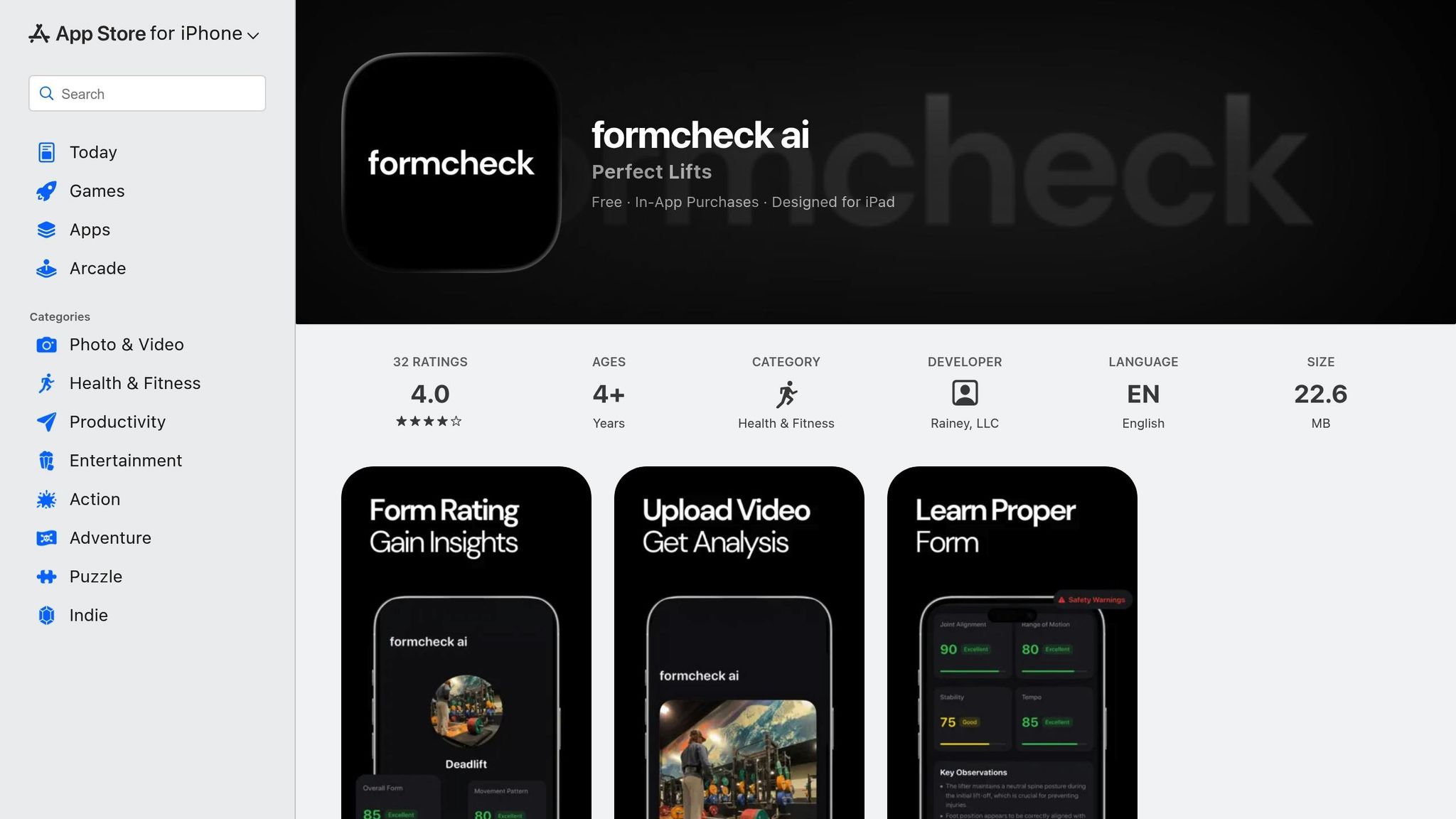
The FormCheck AI listing originally cited here was unavailable in the U.S. App Store when checked on September 14, 2026. We could not verify its current features, device support or price.
We could not verify current deadlift analysis, feedback delivery or pricing for this listing. Claims about 33 landmarks, tempo alarms and over 30 exercises previously combined sources for different apps with similar names.
Check the exact developer, supported lifts and privacy terms before using an app with this name.
3. OnForm

OnForm sets itself apart from fully automated AI tools by offering a manual approach to video analysis. This app puts you in charge, allowing for a hands-on, professional-grade breakdown of movements. It’s a go-to for strength coaches and lifters who want detailed, frame-by-frame feedback on their technique.
OnForm’s drawing and angle tools let you or a coach inspect positions in the recorded lift. Pair them with slow-motion playback to review the movement. Camera perspective affects any angles you draw.
Another useful feature is the ability to record voice-overs on your videos, making it perfect for remote coaching or self-assessment.
OnForm is best suited for lifters and coaches who enjoy taking an active role in analyzing performance. It rewards those who want detailed, in-depth feedback with an unmatched level of control and insight.
4. JuggernautAI
JuggernautAI is a programming platform for powerlifting and powerbuilding. It uses training feedback to adapt a plan and provides technique resources; it does not automatically analyze your uploaded deadlift video.
The app includes more than 300 exercise technique videos and plans that adjust to your feedback. These resources support exercise selection and progression. They do not guarantee that overtraining or injury will be avoided.
Users can connect through a private Facebook group, where they can share videos of their lifts and receive feedback from both peers and experienced coaches. Additional perks include weekly video Q&A sessions with coaches and access to bonus e-books covering squat, bench press, and deadlift techniques - resources valued at $81 [3].
Priced at $34.99 per month, with a 14-day free trial, JuggernautAI is well-suited for dedicated powerlifters looking for structured programming and expert guidance [3][1].
5. Fitbod
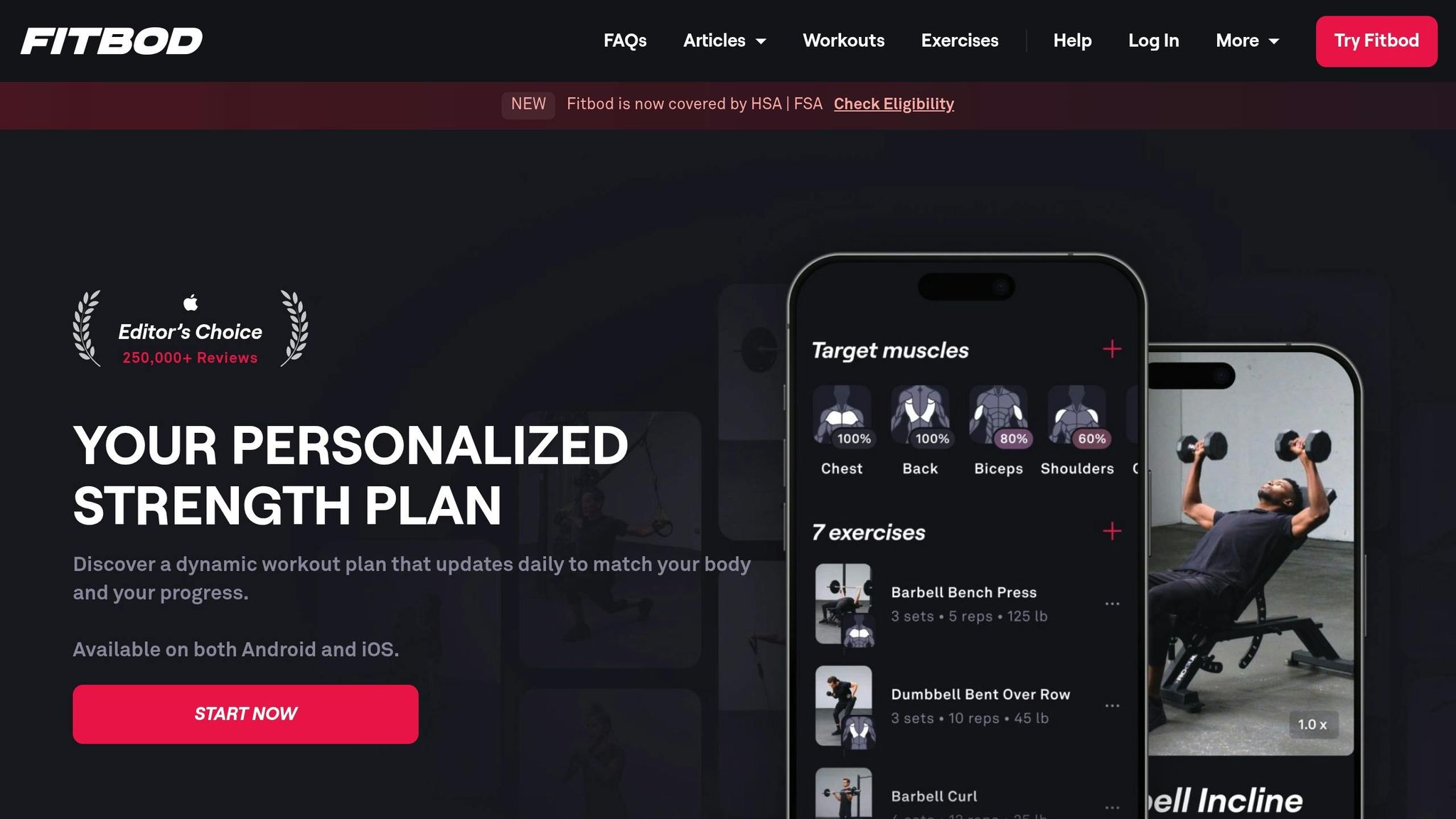
Fitbod takes a different approach to improving your deadlift compared to automated video analysis. Instead of focusing on real-time technique feedback, this app uses AI to craft personalized workout plans tailored to your goals, available equipment, and recovery needs.
Fitbod uses logged training, available equipment and your goals to personalize workouts. It is useful for planning exercise selection and progression; this does not establish that the bar path or hip hinge in your own video has been assessed.
Fitbod is especially useful for intermediate lifters looking for structured, adaptive training and recovery plans. However, advanced lifters who follow strict periodization programs might find the app’s auto-adjustments less suitable for their needs.
Check Fitbod’s current subscription and trial terms before choosing it. The cost of workout planning should be compared with other programming services, rather than assumed to include a video form check.
Feature Comparison
Here’s a quick breakdown of how five different apps approach deadlift form improvement, covering their analysis methods, feedback styles, pricing, and ideal users.
| App Name | Deadlift Analysis Method | Key Feedback Type | Pricing Model | Best For |
|---|---|---|---|---|
| CueForm AI | AI Computer Vision / Pose Estimation | Feedback after upload and coach replies | First form check free; $10 per check, or 12 checks a month for $20/month or $180/year | Beginners refining core lift form |
| FormCheck AI | Features unverified | Original U.S. listing unavailable | Current price unverified | Verify availability first |
| OnForm | Manual Video Analysis Tools | Slow-motion review, joint angle drawings, & voiceovers | Varies | Coaches & those seeking detailed review |
| JuggernautAI | Performance Data AI Algorithm | Real-time programming and volume optimization | $34.99 per month | Competitive powerlifters |
| Fitbod | AI-driven Workout Planning | Exercise selection and recovery-based adjustments | Check current subscription offer | Intermediate lifters wanting variety |
Each app caters to different needs, making it easier to find one that matches your goals.
For coaching feedback on a recorded set, CueForm gives you the most useful thing to work on, how to apply it, and every finding with video evidence. OnForm suits lifters or coaches who want to inspect footage themselves using slow motion, drawing and voiceovers. FormCheck AI’s current availability remains unverified.
If your priority is long-term programming and strength development, JuggernautAI and Fitbod stand out. JuggernautAI specializes in tailoring training programs for competitive lifters, while Fitbod offers diverse workout plans with recovery-based adjustments for intermediates.
Compare the output and current terms before choosing: feedback on one set and a continuing training plan serve different purposes.
Conclusion
Choose a deadlift analysis app based on your training question. Video feedback can help you examine a particular set; an adaptive program helps plan future sessions using the training information you provide.
Check recording instructions, supported devices, privacy terms and what the trial or purchase includes. For CueForm, keep the camera steady at the side and show your whole body and plates from setup to lockout.
Don't overlook data portability. If you're tracking progress over months or years, make sure the app lets you export your workout history. This ensures you're not tied to one platform if you decide to switch later. Ultimately, the best app is the one that feels intuitive and keeps you coming back - fancy features won't matter if the interface slows you down mid-session.
For a practical next step from your own footage, start a free deadlift form check. Review the feedback after your set and choose one adjustment to practice.
FAQs
How does CueForm help improve deadlift technique?
Upload a recorded set, allow a few minutes for analysis and review the most useful thing to work on and how to apply it, every finding with video evidence, a written report, and up to 10 coach replies for follow-up questions. CueForm does not provide live corrections while you lift.
What are the advantages of using AI-powered apps to analyze deadlift form?
They can connect visible movement in a recording to a specific point to review. This may help you focus your next practice session. The feedback depends on the footage and cannot guarantee injury prevention or diagnose pain.
What should beginners look for in a deadlift form app?
Look for clear recording instructions, feedback tied to your actual set and one understandable next step. Confirm support for the lift you perform. Manual review with a qualified coach is also an option when you need individual guidance.