5 best apps for analyzing bench press form
Published Jan 04, 2026 · 10 min read

5 best apps for analyzing bench press form

Mastering the bench press requires precision, and these apps make it easier to perfect your form, avoid injuries, and boost performance. Here's a quick rundown of the top tools:

  • CueForm AI: Provides tailored feedback on bar path, shoulder positioning, and elbow alignment. Tracks progress with detailed reports. Free basic plan; $10/month for advanced features.
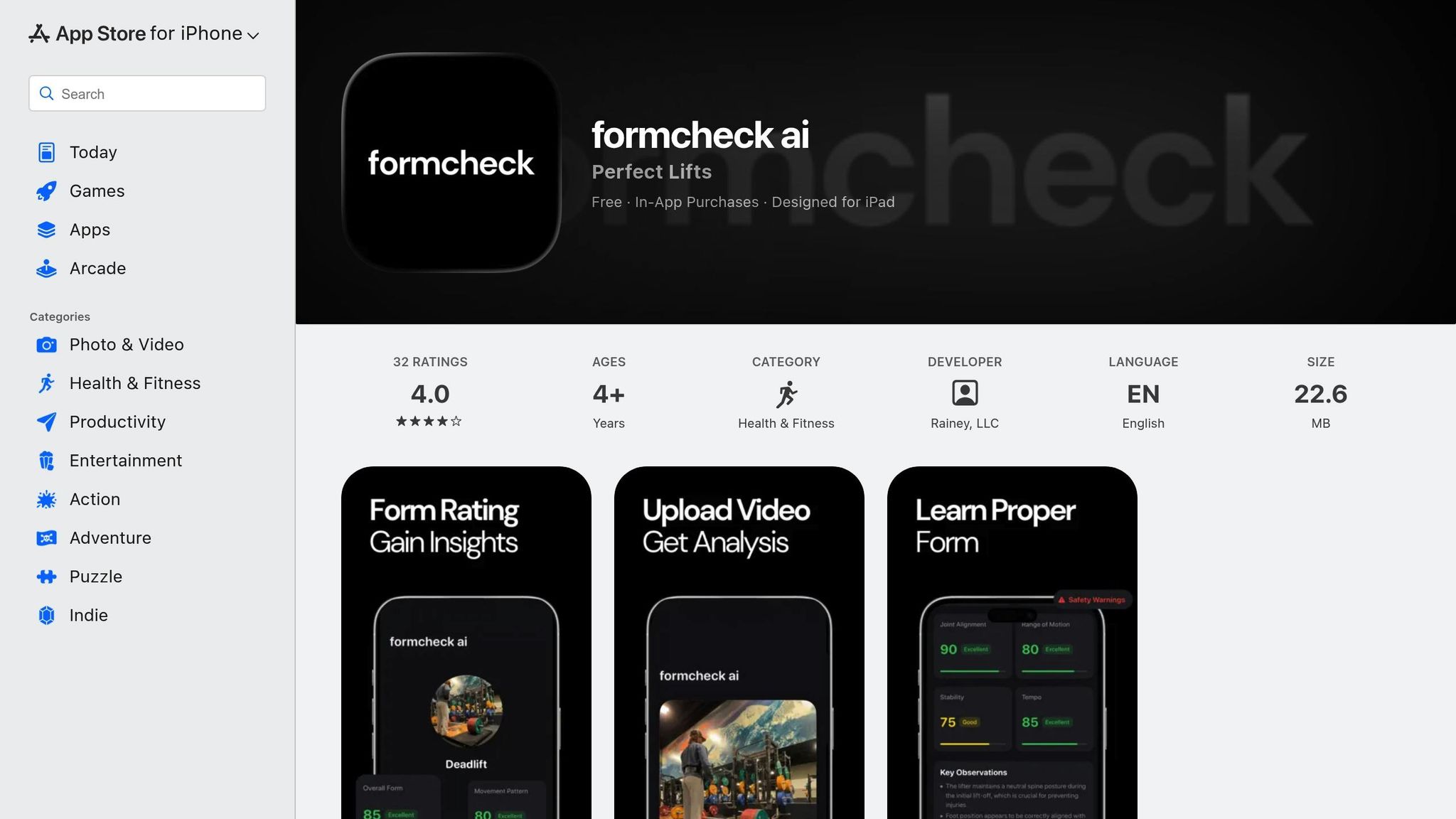
  • FormCheck AI: Tracks 33 key body points to analyze joint angles and movement patterns. Offers safety alerts and live feedback. Free with Pro options starting at $4.86.
  • OnForm: Focuses on high-quality video analysis with slow-motion and multi-angle tools. Best for manual review. Limited features for Android/web users.
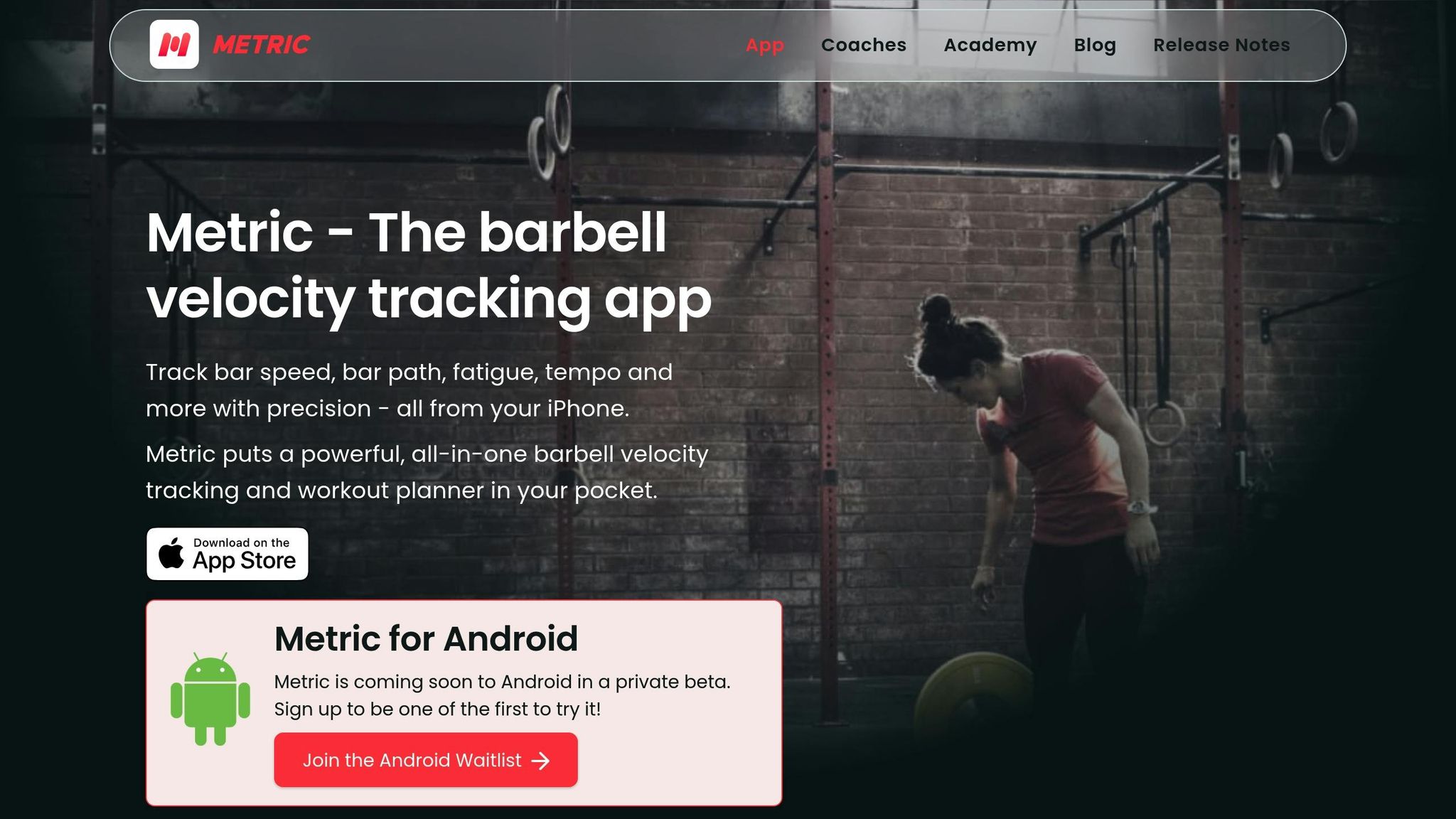
  • Metric VBT: Uses computer vision to track bar velocity, helping refine strength-speed goals. iOS-exclusive, ideal for Velocity-Based Training.
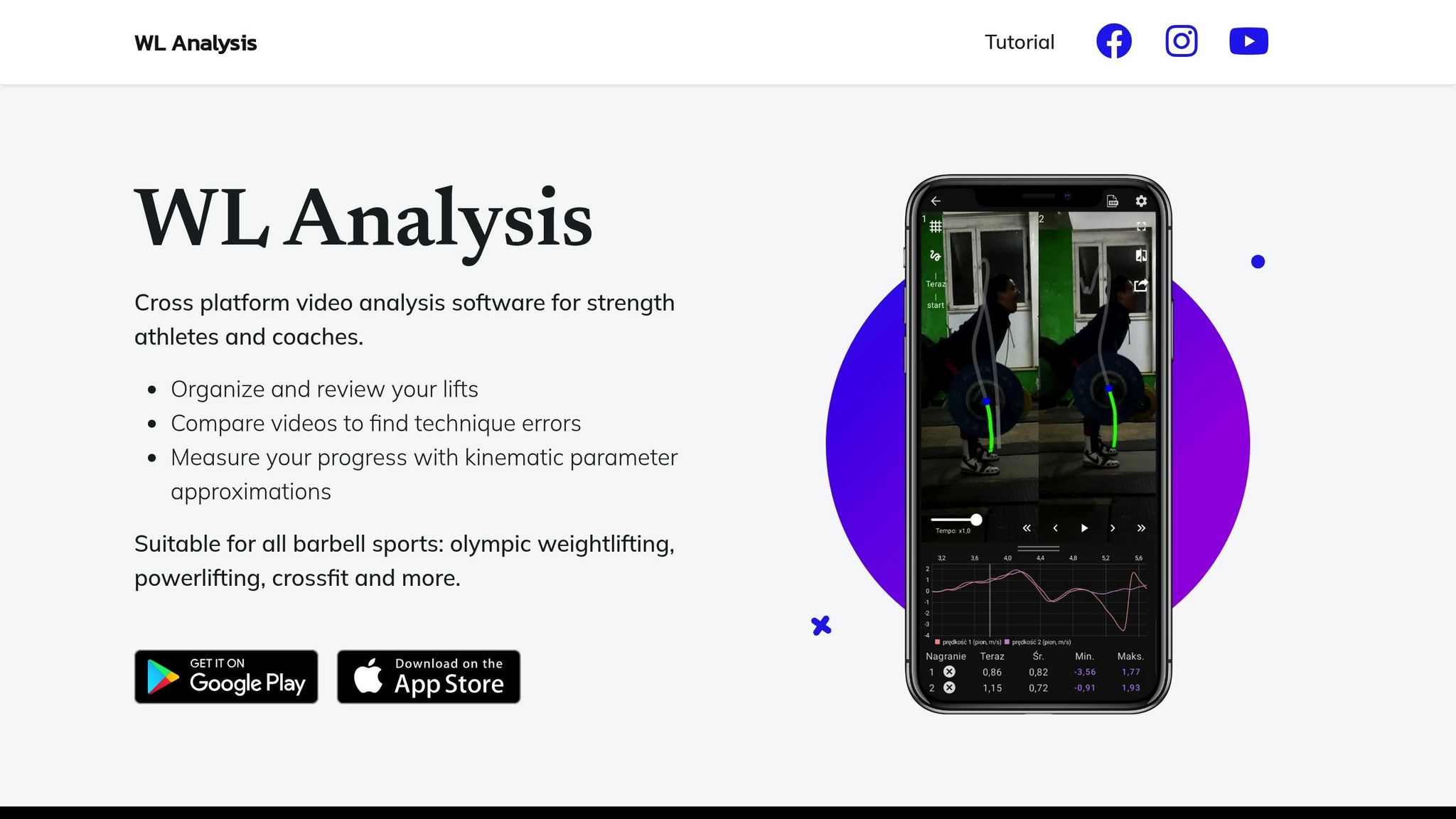
  • WL Analysis: Specializes in barbell tracking with color-coded visuals, detailed metrics, and exportable data. Free with optional in-app purchases ($8.99).

These apps cater to different needs, from AI-driven feedback to detailed video analysis. Choose based on your goals, device compatibility, and budget.

Bench Press Form Analysis Apps Comparison: Features, Pricing, and Platforms

Bench Press Form Analysis Apps Comparison: Features, Pricing, and Platforms

Quick Comparison

App Key Features Pricing Platform
CueForm AI Personalized feedback, progress tracking Free/$10 per month Web (mobile-friendly)
FormCheck AI Joint tracking, live feedback Free/$4.86+ Mobile (iOS/Android)
OnForm HD video, multi-angle review Free/varies iOS/limited Android
Metric VBT Bar velocity tracking, VBT focus Free/varies iOS
WL Analysis Barbell tracking, exportable metrics Free/$8.99 iOS/Android

These tools simplify bench press analysis, helping you refine technique and achieve training goals. Pick the one that suits your training style best.

1. CueForm AI

CueForm AI

AI-Powered Form Feedback

CueForm AI takes a personalized approach to analyzing your bench press technique. Simply upload a video along with details about your goals, body structure, and training schedule. Using this information, the AI provides feedback that's tailored specifically to you - not just generic advice.

Instead of just pointing out issues like misaligned elbows, CueForm AI goes a step further. It offers clear, actionable suggestions and explains why those adjustments matter. For bench press analysis, it focuses on critical elements such as bar path consistency, shoulder blade retraction, elbow alignment, and touch point accuracy. This feedback lays the groundwork for the detailed analysis covered in the next section.

Video Analysis Tools

After uploading your video, CueForm AI generates a detailed report. This report highlights areas for improvement, explains the reasoning behind each adjustment, and provides precise coaching tips. The platform also tracks your progress over time, measuring factors like your technique score and the weight you're lifting. This makes it easy to see how your form and performance evolve with consistent training.

Strength Performance Insights

CueForm AI doesn’t stop at form analysis - it also tracks your performance metrics to build a comprehensive history. This helps you identify trends and stay focused on your goals. You can set specific targets and training frequencies to keep your bench press progress on track.

The Free plan includes unlimited quick feedback with essential suggestions, while the pay-per-report option offers in-depth analysis. For those wanting unlimited detailed reports, the Starter plan is available for $10 per month.

2. FormCheck AI

FormCheck AI

AI-Powered Form Feedback

FormCheck AI uses advanced tracking technology to monitor 33 key body landmarks. This allows it to assess joint angles, movement patterns, and weight distribution during exercises like the bench press [3]. By comparing your movements to expert benchmarks, it identifies patterns that might increase the risk of injury [4].

But it doesn’t stop there. The app provides more than just basic corrections - it sends safety alerts and offers practical suggestions to improve your form. An easy-to-understand scoring system evaluates the quality of your movements, giving you clear insights into your performance and areas that need work [1]. With this system, spotting and fixing risky habits becomes much simpler.

Video Analysis Tools

You can record or upload workout videos directly in the app [1]. For the best results, make sure your videos have proper lighting and show your full body. The app analyzes your footage, breaking down your technique and offering tailored recommendations for safer and more efficient lifting [1]. It even provides live feedback to help you stay on track with your desired tempo [2].

FormCheck AI is free to use, but if you’re looking for extra features, Pro options are available starting at $4.86 through in-app purchases [1].

3. OnForm

OnForm

Video Analysis Tools

OnForm is all about delivering detailed HD video analysis, allowing coaches and lifters to capture bench press movements at an impressive 240 fps [10,11]. With five recording modes, including multi-angle capture, you can document every aspect of your lifts in crystal-clear detail [10,11]. This hands-on video approach stands out compared to automated AI feedback systems.

The 4-Way Video Player takes it up a notch by letting you review your bench press from four perspectives - front, side, overhead, and more. You can slow things down or go frame-by-frame to pinpoint even the smallest issues [10,11].

OnForm also gives you tools to annotate your videos. Use drawing features and voiceovers to highlight joint angles or movement patterns, making it easier to track your progress over time [10,11]. The app works best on iOS devices like the iPhone, iPad, and Mac. However, Android and web users will find that only limited features are available [5].

Though OnForm offers 3D visualization and body metrics for other sports, these advanced tools aren't available for bench press analysis. Instead, users can rely on its powerful manual video tools to get the job done [5].

4. Metric VBT

Metric VBT

Bar Path Tracking

Metric VBT uses computer vision to automatically track the movement of your barbell through videos recorded on your smartphone. It works seamlessly across more than 60 exercises, including the bench press, and doesn’t require any manual input [7]. This system provides precise velocity data, which is a key component of Velocity Based Training (VBT).

To get the best results, record a side-on view using an iPhone or iPad mounted on a stable tripod. Make sure the area is well-lit and record in HD at 60fps [7]. This setup ensures accurate tracking and lays the groundwork for in-depth performance analysis.

Strength Performance Insights

The primary focus of Metric VBT is to provide barbell velocity data - specifically mean velocity - to help you fine-tune your bench press training [13, 14]. By analyzing the speed of the bar under load, you can make real-time adjustments to target specific goals, whether you're aiming to improve power, strength-speed, or absolute strength [8].

In a validation study, the app demonstrated impressive accuracy, with a mean bias of 0.07 and a root mean squared error of 0.04 m·s⁻¹ for the bench press. This level of precision is comparable to that of a linear transducer [8]. Keep in mind, however, that measurements may show slight variations at extreme velocities.

Metric VBT is currently available exclusively for iOS devices running iOS 17 or later. It works best on newer models like the iPhone 11 (or later) and the 4th generation iPad Pro (or later). By eliminating the need for extra hardware, it provides an accessible and affordable solution for velocity tracking [7].

5. WL Analysis

WL Analysis

Video Analysis Tools

WL Analysis is designed specifically to help lifters refine their bench press form. One of its standout features is the automatic detection of the barbell, which means you don’t have to manually select plates. The app also offers tools like adjustable playback speed, frame-by-frame review, zoom capabilities, and the ability to compare videos side-by-side or with overlays. These features make it easy to evaluate technique across multiple training sessions. Combined with the detailed feedback offered by other apps in this review, WL Analysis provides a well-rounded video analysis experience.

Bar Path Tracking

This app takes barbell tracking to the next level by using color-coded visuals to display metrics like velocity, power, and force. It also generates detailed charts and statistics, along with video overlays that can be exported. For those who want to dive deeper into their performance data, all kinematic parameters can be downloaded as CSV files for further analysis.

WL Analysis is available as a free download, with optional in-app purchases for advanced features priced at $8.99. It has earned a 4.3/5 rating from over 1,110 reviews on Google Play [9] and a 4.2/5 rating from 42 reviews on the Apple App Store [10].

Feature Comparison Table

Here's a breakdown of key features for bench press analysis apps:

App AI Feedback Bar Path Tracking Pricing (USD) Platform
CueForm AI Offers detailed insights by analyzing bar path consistency, shoulder blade positioning, elbow alignment, and touch points. Yes Free tier for basic feedback; $10/month for unlimited detailed reports Web-based (mobile-friendly)
FormCheck AI Not specified Not specified Not specified Not specified
OnForm Not specified Not specified Not specified Not specified
Metric VBT Not specified Not specified Not specified Not specified
WL Analysis Not specified Not specified Not specified Not specified

As shown, CueForm AI stands out with its in-depth analysis of key elements like bar path, shoulder retraction, and elbow alignment, offering personalized feedback to help users refine their technique, monitor progress, and reduce the risk of injury. Its flexible pricing includes a free tier for quick insights and an affordable subscription for more detailed reports.

Conclusion

AI-powered tools can transform the way you tackle bench press challenges, helping you refine your technique and improve your training results. By using the right app to analyze your bench press form, you can reduce the risk of injuries and enhance your overall performance. These tools are particularly useful for spotting technique issues, such as flaws in your bar path, that could be slowing your progress or increasing the risk of shoulder and elbow strain. Research indicates that experienced powerlifters follow a distinct bar path compared to beginners, making real-time visual feedback essential [6].

Another key benefit of these apps is their ability to track how your technique changes as you fatigue. This highlights the importance of mastering proper form before reaching failure [6]. Selecting an app that aligns with your training goals is crucial for getting the most out of these insights.

For those seeking detailed feedback on bar path and joint movement, CueForm AI offers a free tier and flexible premium options. If slow-motion video analysis and annotations are more your style, OnForm provides a robust suite of tools [3].

Ultimately, your choice should depend on your budget, experience level, and specific goals. Whether you're a beginner focusing on the basics or an advanced lifter fine-tuning your speed and power, there's an app tailored to your needs.

Think of the right app as more than just a tool - it’s like having a virtual coach in your corner, providing the precise feedback you need to train smarter and achieve safer, more effective strength gains.

FAQs

How can these apps help reduce the risk of bench press injuries?

These AI-driven apps use your smartphone camera to analyze your bench press form in real time. They track key details like bar path, elbow angle, and shoulder position. If your form strays from safe biomechanics - like flaring your elbows too much or failing to retract your shoulders properly - the app steps in with instant, easy-to-follow advice such as “tuck your elbows” or “retract your shoulders.” This immediate feedback lets you correct errors on the spot, reducing the risk of strain or injury.

But these apps don’t stop at real-time coaching. They also keep a detailed log of every lift, tracking metrics like range of motion, tempo, and bar-path consistency. By spotting patterns that might indicate overuse or improper technique, they can warn you about potential issues before they lead to injuries like shoulder impingement or elbow strain. With ongoing tracking and tailored insights, these tools help you train smarter and more safely, boosting both your confidence and performance in the gym.

What should I look for in a bench press analysis app?

When selecting a bench press analysis app, focus on one that uses AI-powered video analysis to evaluate crucial elements like bar path, elbow angles, shoulder alignment, and touch-point consistency. Apps offering personalized feedback based on your body mechanics, goals, and training schedule can help you refine your lifting technique effectively.

Ease of use matters, too. The top apps let you quickly record and upload videos, delivering results in seconds. Features like real-time analysis, straightforward visual overlays, and a hassle-free process enable you to adjust your form on the spot and maintain consistent progress.

Don’t overlook factors like privacy, pricing, and compatibility. Make sure the app securely handles your videos without storing them long-term. Look for a free trial or transparent subscription plans priced in U.S. dollars, so you can test the app before committing. Compatibility with fitness trackers or workout logs is another plus, making it easier to monitor your progress and integrate the app into your training routine seamlessly.

What devices do I need to use these bench press analysis apps?

CueForm AI’s bench press analysis is designed to work seamlessly with any device that can record clear video and connect to the internet. Whether you’re using a smartphone, tablet, or computer, you can easily upload your lift footage through the app or web interface. Once uploaded, the AI processes the video in real time, offering detailed feedback on critical metrics such as bar path, shoulder positioning, and elbow angles.

To get started, all you need is a device with a functional camera, enough storage space for short video clips, and a reliable internet connection for uploading your videos. The best part? There’s no need for additional hardware like sensors or specialized lenses - just your device and the app are enough.

Related Blog Posts